> For the complete documentation index, see [llms.txt](https://docs.incari.com/incari-studio/llms.txt). Markdown versions of documentation pages are available by appending `.md` to page URLs; this page is available as [Markdown](https://docs.incari.com/incari-studio/2024.1/demo-projects/skinnable-speedometer.md).
# Skinnable Speedometer

## Overview
This **Demo Project** consists of a *speedometer* whose visual presentation can be altered while maintaining the functionality. Thus, it showcases **Incari's** ability to alter and reuse **Assets** in order to fully customize the *User Interface*.
### Themes
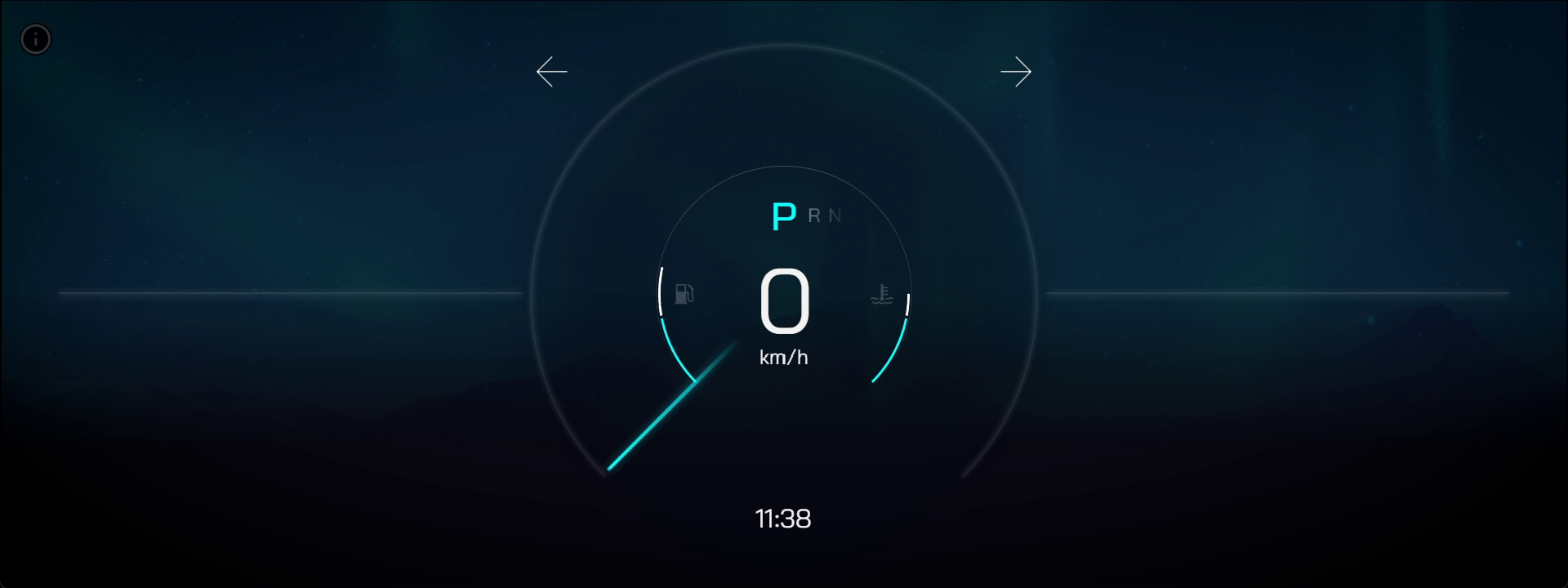
Blue Theme.
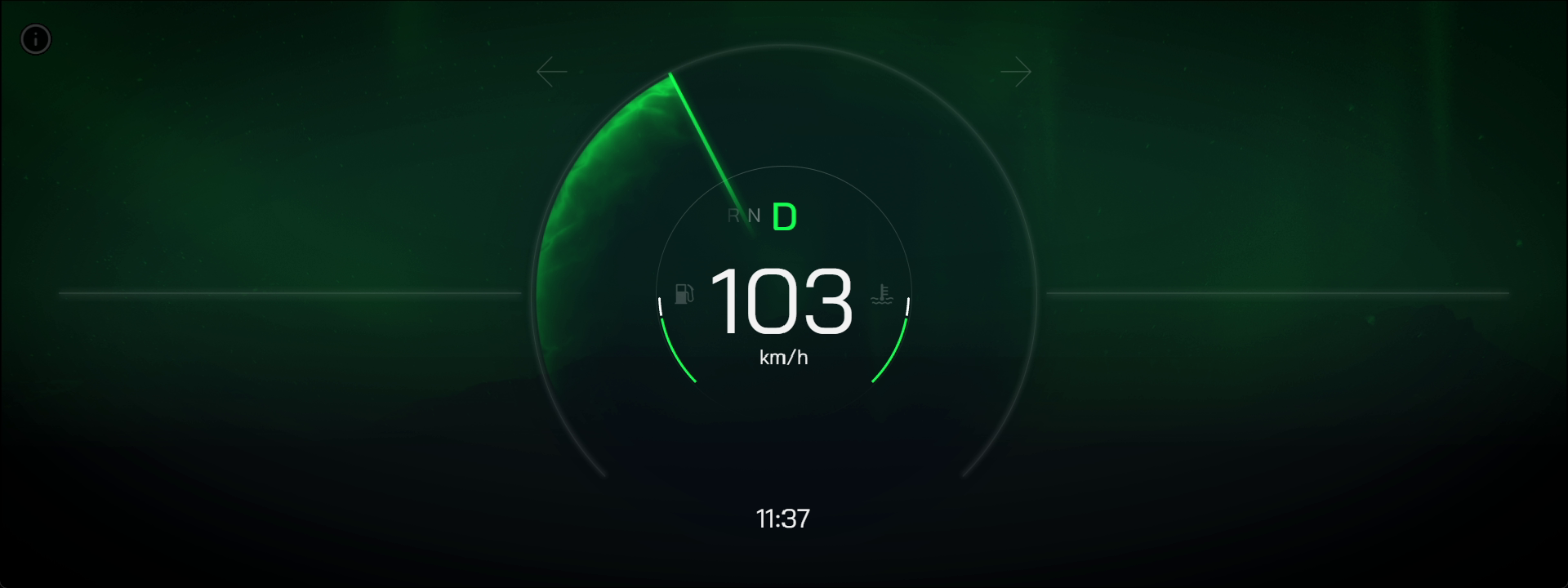
Green Theme.
The primary distinction between these two *speedometers* lies in their color themes. While one *speedometer* goes for a cool blue color palette, the other adopts a vibrant green one. The choice of colors not only affects the aesthetic appeal but can also influence the user experience. The dynamic and bold hues on one *speedometer* may evoke a sense of urgency or excitement, whereas the softer tones on the alternative *speedometer* might convey a calm and composed atmosphere. Ultimately, the difference in color serves as a visual cue that can subtly shape the driver's perception and behavior on the road.
### Views
Classic View.
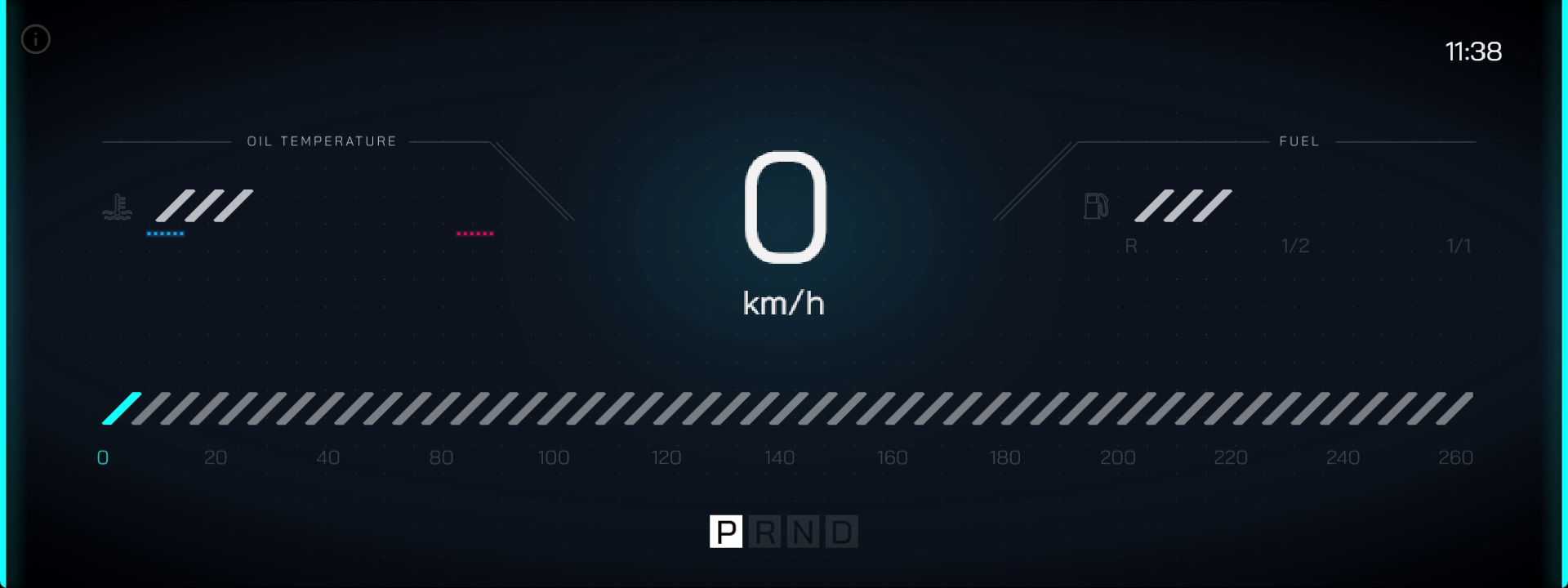
Modern View.
The disparity between two *speedometers* lies in their distinct styles, or view. One *speedometer* relies on a soft, round, classic display design. In contrast, the other *speedometer* embraces clean lines, digital displays, and a modern aesthetic. The choice of style not only reflects aesthetic preferences but also impacts the overall feel and atmosphere within the vehicle. The modern view may appeal to those seeking a high-tech and futuristic driving experience, while the classic view caters to enthusiasts who appreciate a simple and relaxed ambiance in their vehicle's instrumentation. The difference in style thus contributes to a diverse range of visual preferences and driving aesthetics among users.
### Instructions

Although all four *speedometer* types look visually different, their functionality remains the same and can be managed by the same instructions.
* `↑` indicates going up in gear.
* `↓` indicates going down in gear.
* `O` simulates the oil temperature change.
* `←` commands the left indicator.
* `H` controls the hazard lights.
* `V` changes the *speedometer* view.
* `W` causes acceleration (this is only available in *drive* and *reverse*).
* `S` brakes.
* `F` simulates the fuel level change.
* `→` commands the right indicator.
* `T` changes the *speedometer*'s theme color.
## Logic
The **Logic** for switching the speedometer's theme and view is described below:
### Switching Theme

Once the user presses `T`, the `currentColorIndex` is incremented and the **Logic** checks that the index is within the bounds of `theme_arr-str_colors` (which is an **Array** that allows the user to store as many colors as they wish). This way, the number of colors can be altered dynamically and an infinite amount of color themes can be added. It is also possible to add primary, secondary, tertiary, and quaternary colors associated with that theme name to their respective arrays. These arrays, as can be seen in the **Logic**, are used for storing the specific color choices for different themes and can be modified as needed.
If this current index is less than the length of the **Array** of **Strings** given at the start, this means that there is a next value in the **Array** of themes and it continues to this next one and selects that data. However, if it is not less than the length, this means all the values of the **Array** have been cycled through and it starts at the 'beginning' with an index of 0. This is stored as the `theme_int_currentColorIndex`.
Whenever there is a change, this triggers `On theme_int_currentColorIndex Change`, which sets and returns the **String** value at the specified index.

When `theme_int_currentColor` changes, it triggers the four blocks of **Logic** in the `Theme Update` grouping. These apply to the four shades of the theme's color. In the above image, the two blocks of **Logic** visible set the **Color** values for the primary and secondary **Objects** of the *speedometer*.

In the above image, the two blocks of **Logic** visible set the **Color** values for the tertiary and quaternary **Objects** of the *speedometer*.
### Switching View

Pressing `V` triggers the **Toggle Node** and sets a variable to either 0 or 1, and stores this value in `theme_int_currentValue` to later change the theme.

The first block of the `View Update` **Logic** is triggered by the change of the `theme_int_currentValue` variable. Depending on the resulting variable of either 0 or 1, it provokes use of the **FadeTo Node** between the current and changed view. Furthermore, **Objects** for speed and time are being reused between different views by simple move and scale actions with the **MoveTo Action Node** and **ScaleToAction Node**, allowing the user to create specific transitions between different views without duplicating **Objects**.

The next block of **Logic** takes the values of the variables for acceleration, time, etc. and updates the view. This **Logic** shown above continues in the image below.